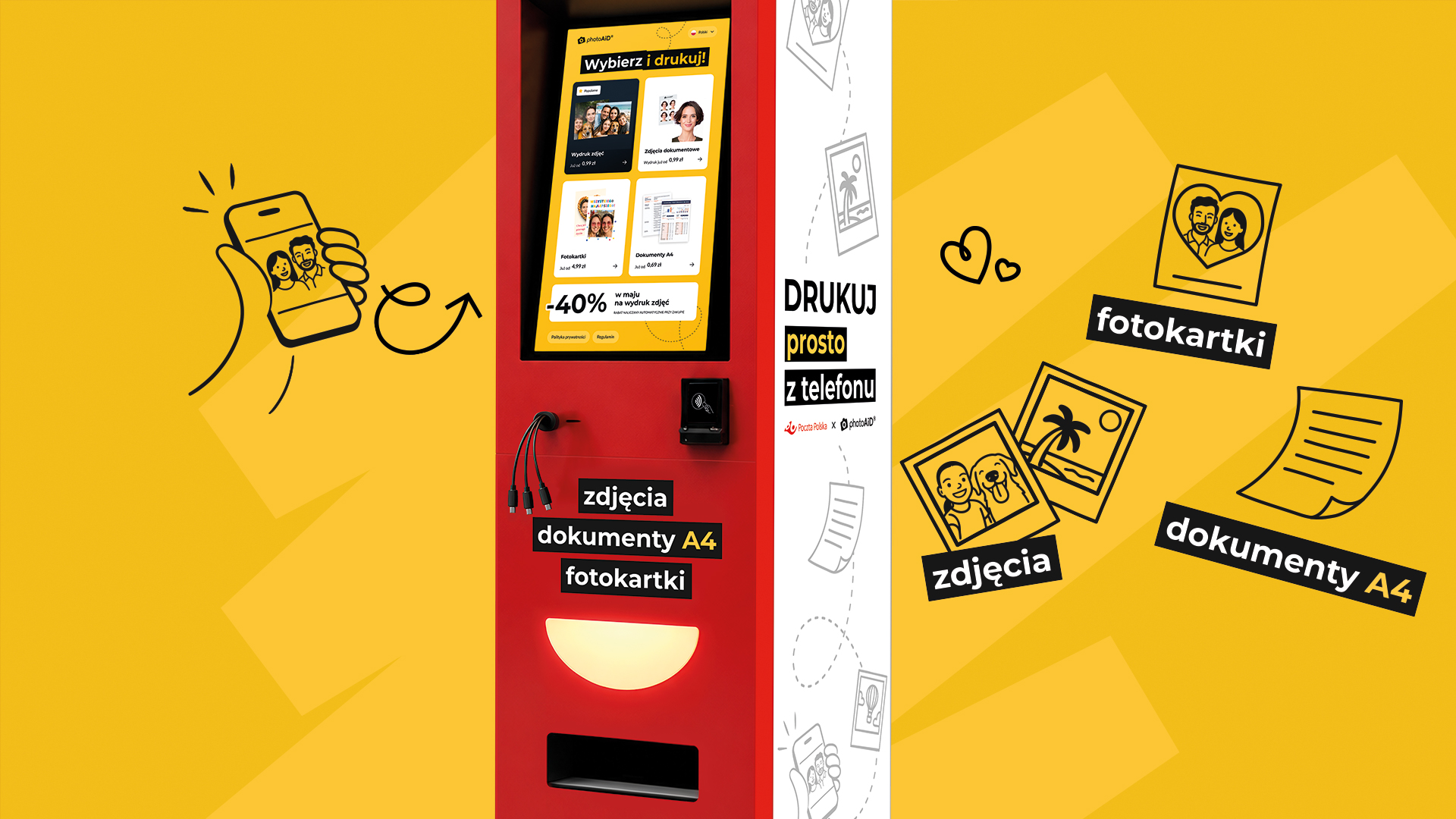
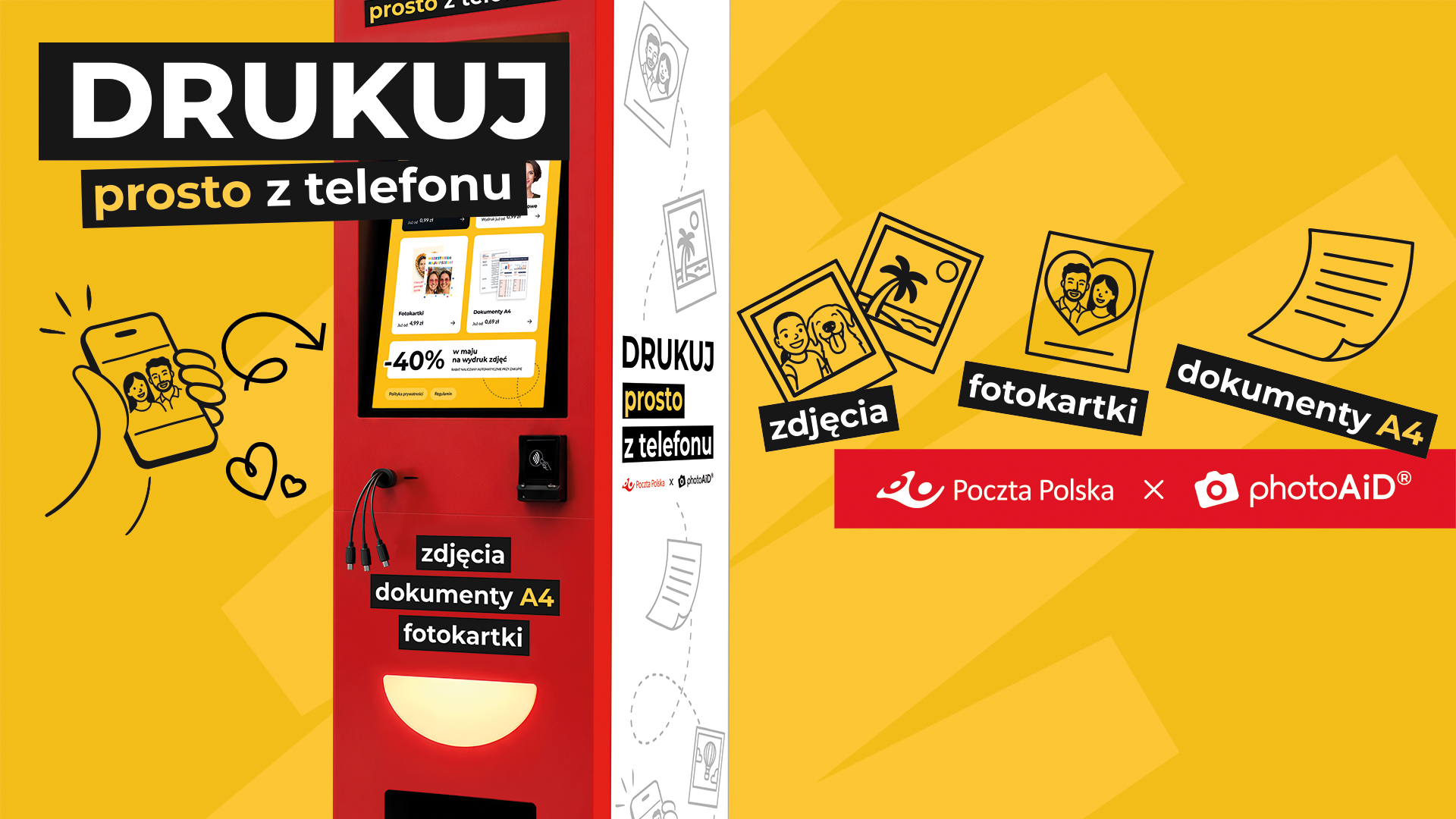
Print straight from your phone
Photos, photo cards and documents in one place
There's no need to find a photo booth or bring your own printer. At select Poczta Polska locations, you can use the self-service PhotoAiD photo kiosk and print the necessary materials directly from your phone.
It's a quick and convenient way to develop photos, prepare personalized cards for various occasions, and print A4 documents.
What can you print?

Print your favorite photos straight from your phone.
10 x 15, 15 x 15, or 15 x 20 cm sizes and pick up your prints on-site.

Turn your own photo into a unique birthday, wedding, holiday, or other special occasion card. You can also create an AI photo card that transforms your photo into your chosen style.

Prepare your photo for an ID card, passport, visa or residence card in the PhotoAiD app, and then print the ready-made template at the photo kiosk.

Print PDF files stored on your phone, including documents, contracts, resumes, tickets, and shipping labels. Single-sided and double-sided black and white printing is available.

Quick
Upload your files and pick up your finished prints on-site. The entire process can take about 3 minutes.

Comfortable
You can do everything yourself on the photo kiosk screen. You don't need your own printer or computer.

Easy
Upload photos or documents by scanning the QR code or connecting your phone to the device with a cable.
How to use the photo kiosk?

1. Choose what you want to print
On the photo kiosk screen, select photos, A4 documents, photo cards or other available products.

2. Transfer files from your phone
Scan the QR code on the screen or connect your phone with a cable. No need to install the app or create an account

3. Customize your print
Select the photo format, number of prints or appropriate document settings.

4. Pay
Pay for your order by BLIK, payment card or phone.
5. Collect your prints
You can collect your finished photos, documents or photo cards directly from the device.
Where can you use the service?
Zip code | City | Street | |
|---|---|---|---|
Poczta Polska | 80-832 | Gdansk | New Gardens 8/12 |
Poczta Polska | 83-100 | Tczew | Jarosława Dąbrowskiego 7 |
Poczta Polska | 89-600 | Chojnice | Old Market Square 8 |
Poczta Polska | 85-020 | Bydgoszcz | Father Stanisław Konarski 1/3 |
Poczta Polska | 66-400 | Gorzów Wielkopolski | Casimir Jagiellon 4 |
Poczta Polska | 00-694 | Warsaw (City Center) | Nowogrodzka 45 |
Poczta Polska | 39-400 | Tarnobrzeg | Sokola 3A |
Poczta Polska | 41-200 | Sosnowiec | 3 May 24 |
Poczta Polska | 31-045 | Krakow (Krakow-Śródmieście) | Wielopole 2 |
Poczta Polska | 31-154 | Krakow (Krakow-Śródmieście) | Pavia 5/59 |
Poczta Polska | 36-100 | Kolbuszowa | John Paul II 2 |
Poczta Polska | 35-070 | Rzeszów | Grunwaldzka 15 |
Poczta Polska | 37-100 | Chain | Queen Elizabeth 8 |